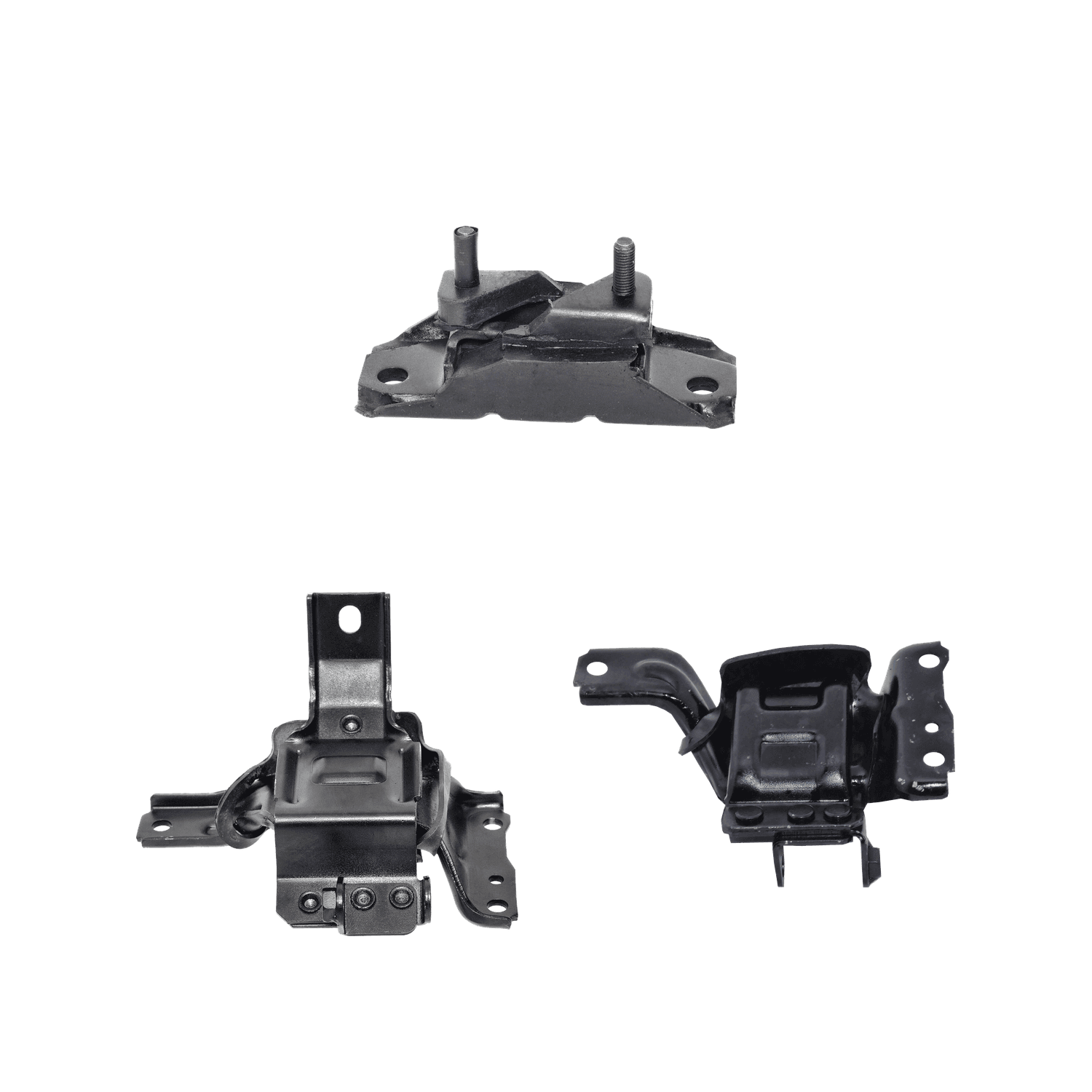
ETK-054
How to install the 3 Piece Front Engine & Auto Trans Mount Kit
Pick your car in the car picker at the top of the page to check it fits and see the notes for your car.
All 3 cars it fits
| Years | Make | Model | Engine | Choose |
|---|---|---|---|---|
| 1998–2002 | Ford | Crown Victoria | V8 4.6L | |
| 1998–2002 | Lincoln | Town Car | V8 4.6L | |
| 1998–2002 | Mercury | Grand Marquis | V8 4.6L |
What's in the box 3 pieces
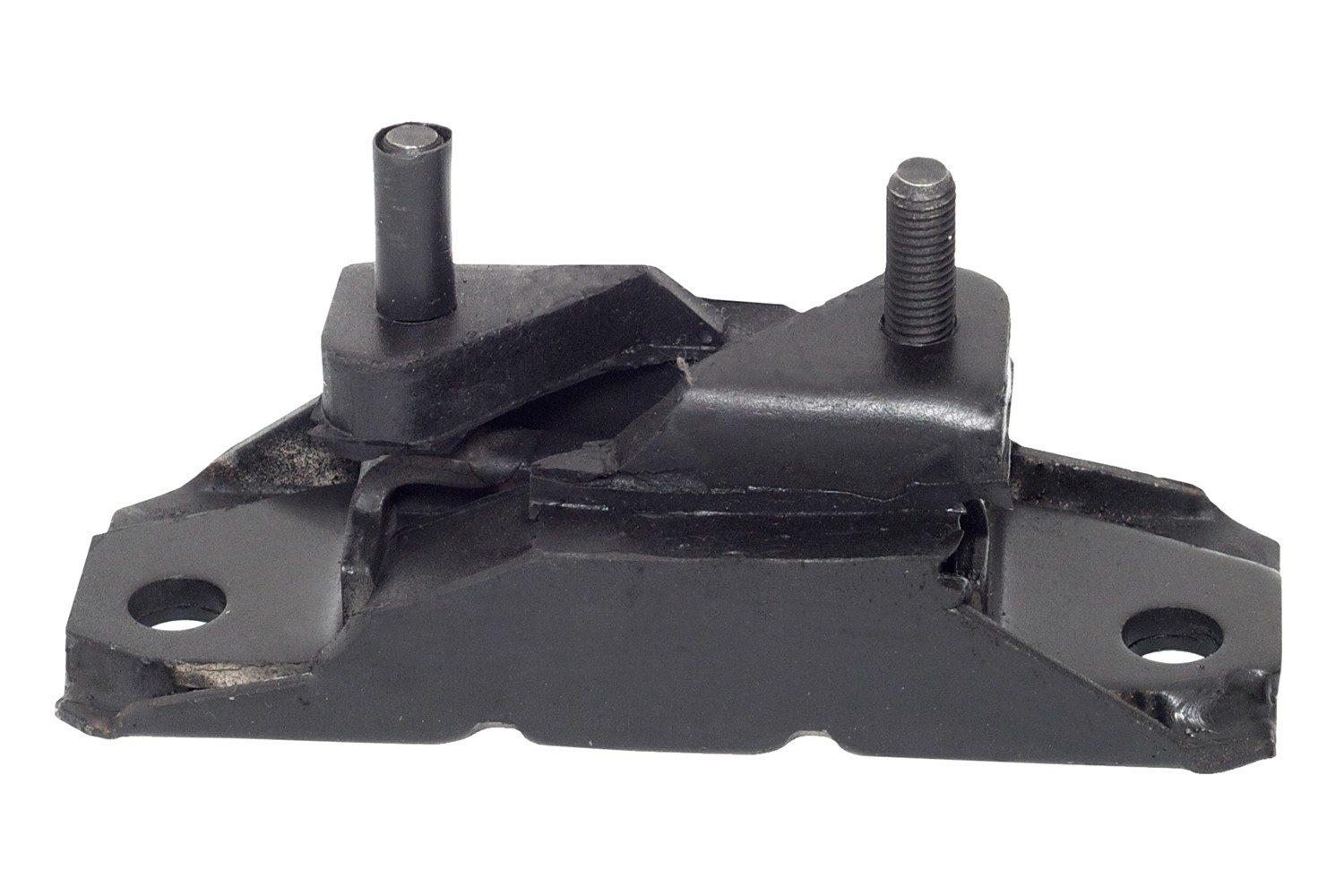 1
1Automatic Transmission Mount
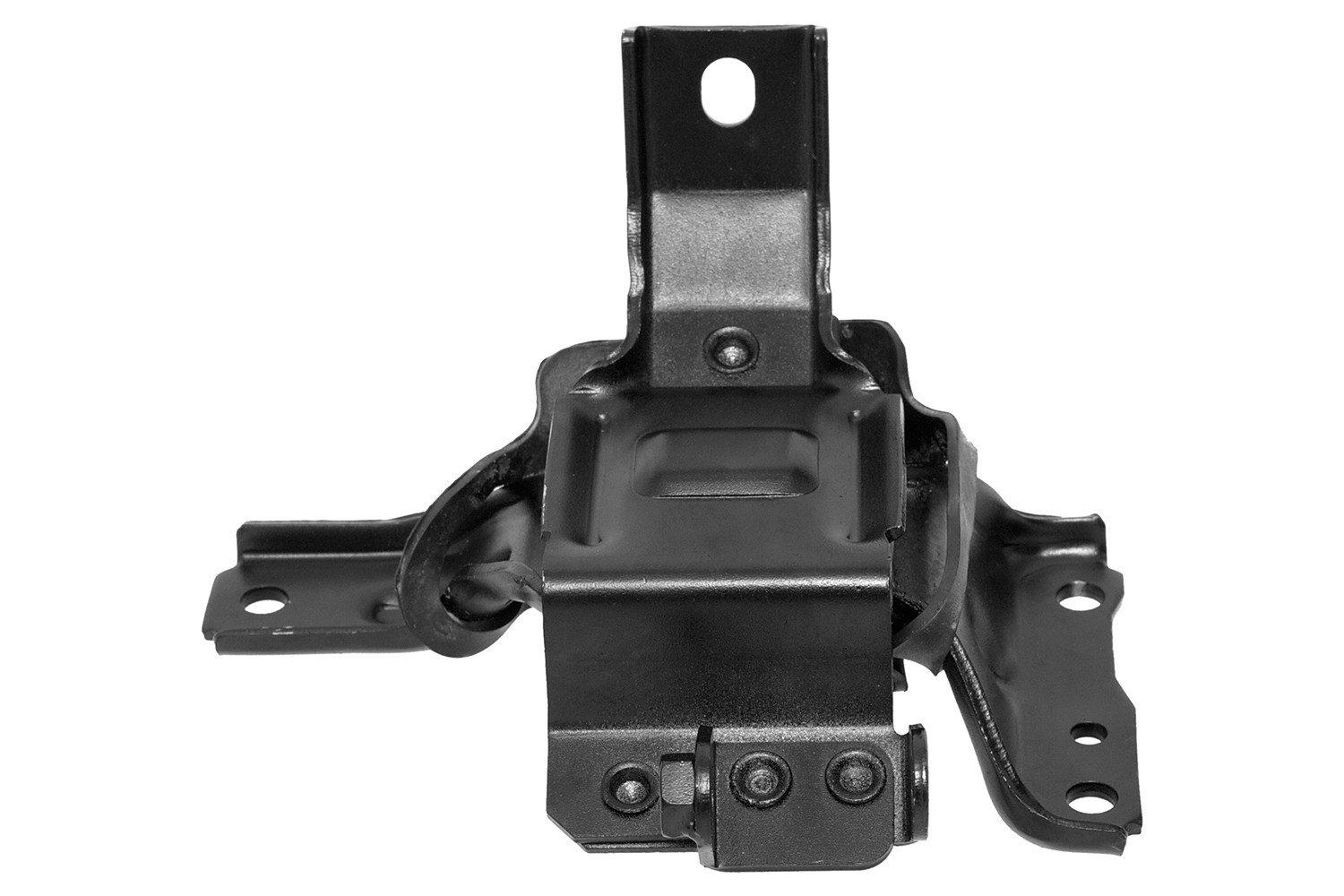 2
2Front Right Engine Mount
Front Right
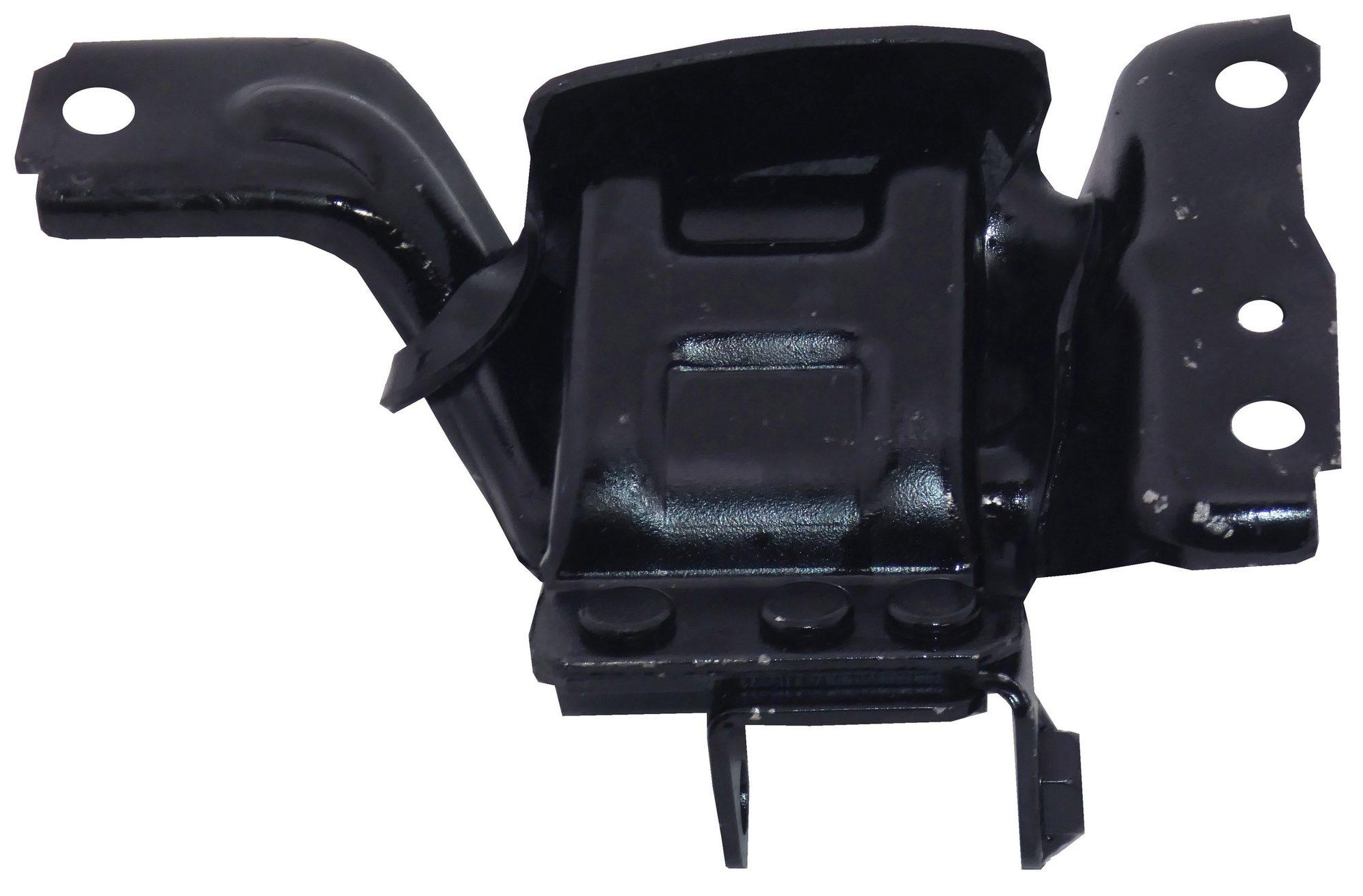 3
3Front Left Engine Mount
Front Left
Where each piece goes
- 1Automatic Transmission Mount
- 2Front Right Engine Mount: Front Right
- 3Front Left Engine Mount: Front Left
Install steps
- 1
Get the car ready
Park on level ground, set the parking brake and disconnect the battery. Lift the car and support it on jack stands.
- 2
Support the engine
Put a jack with a block of wood under the oil pan, or use an engine support bar. Do this before you take out any mount.
- 3
Automatic Transmission Mount
Remove the old mount and bolt the new one in hand-tight.
- 4
Front Right Engine Mount
Front Right. Remove the old mount and bolt the new one in hand-tight.
- 5
Front Left Engine Mount
Front Left. Remove the old mount and bolt the new one in hand-tight.
- 6
Tighten, lower, test
Lower the engine back down and tighten every bolt to your car's spec. Reconnect the battery, start the engine and check for movement or noise.
Torque values: Use the torque values in your car's service manual. We only show a number here once it is checked for your car.