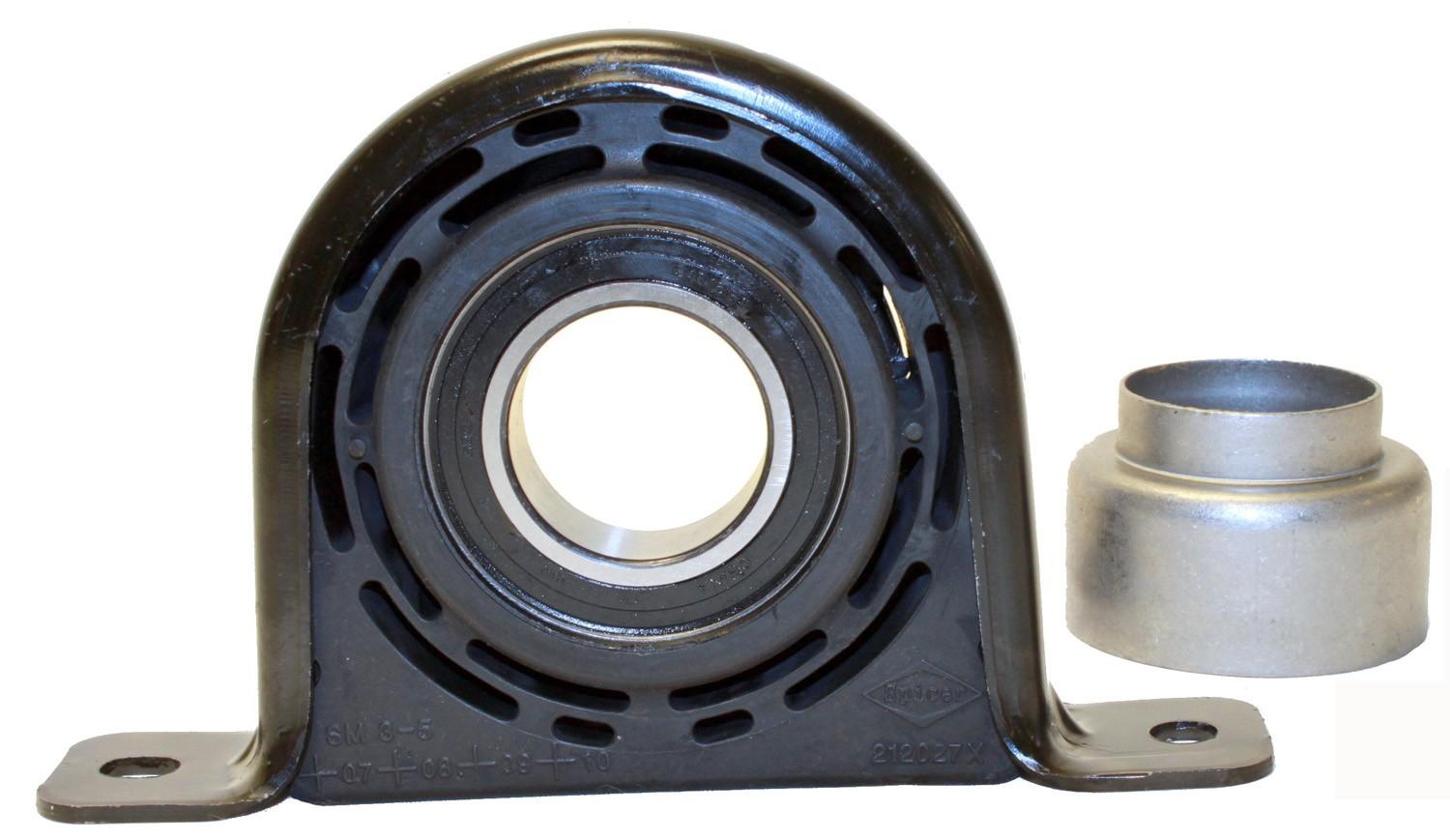
DS-6071
How to install the Drive Shaft Center Support
Fits 33 cars
Pick your car in the car picker at the top of the page to check it fits and see the notes for your car.
All 33 cars it fits
| Years | Make | Model | Engine | Choose |
|---|---|---|---|---|
| 2013–2019 | GMC | Sierra 1500 | V8 5.3L | |
| 2013–2019 | GMC | Sierra 1500 | V8 6.2L | |
| 2014–2018 | Chevrolet | Silverado 1500 | V8 5.3L | |
| 2014–2018 | Chevrolet | Silverado 1500 | V8 6.2L | |
| 2004–2015 | Nissan | TITAN | V8 5.6L | |
| 2013 | GMC | Sierra 1500 | V8 4.8L | |
| 2013 | GMC | Sierra 1500 | V8 6.0L | |
| 2008–2012 | GMC | Sierra | V8 5.3L |
Install steps
- 1
Get the car ready
Park on level ground, set the parking brake and disconnect the battery. Lift the car and support it on jack stands.
- 2
Support the engine
Put a jack with a block of wood under the oil pan, or use an engine support bar. Do this before you take out any mount.
- 3
Drive Shaft Center Support
Remove the old mount and bolt the new one in hand-tight.
- 4
Tighten, lower, test
Lower the engine back down and tighten every bolt to your car's spec. Reconnect the battery, start the engine and check for movement or noise.
Torque values: Use the torque values in your car's service manual. We only show a number here once it is checked for your car.